Reviewing and correcting memory
The cards that ask before a memory is kept, a bot's proposed corrections, keeping one conversation out of memory, tracked notebooks and their changes, a notebook edit that would not save, and turning memory back on.
Memories that ask first
Murage asks you before it keeps a memory about money, about health, about another person, about the bot itself, or anything that could include a password or key. Each card says why it is asking, in one line: "About money, so Ember asks you first", "Could include a password or key, so Ember asks you first", "You changed the words, so it waits for your final yes".
Choose Keep, Edit to change what is kept, or Not now. When several are waiting, Keep all takes them in one go.
Bots never save keys to memory and never ask you to paste a key into chat. A card that says it could include a key is Murage being careful about something you said, not a bot asking for a secret.
A bot proposes a correction
A bot can propose a correction to an earlier memory, with the evidence for it. You see a Proposed correction card that shows which version of the memory it replaces.
Step 1
Read the card
The card reads "Replaces version 3 of this memory" and shows the text that would replace it.
You're done when: you can see the old version and the proposed one side by side.
Step 2
Decide what happens to the pin
If the memory being replaced is pinned, choose Pin the correction instead or Leave the correction unpinned. The card will not approve until you pick one.
You're done when: one pin option is chosen, or the memory was not pinned.
Step 3
Approve it
Choose Approve correction. The correction becomes the current memory. The replaced version stops being used for recall and stays in history, so you can see what the bot used to believe.
You're done when: the card reads Correction approved. The replaced version is kept in history.
You see
The memory this proposal corrects has changed since it was proposed, so it cannot be approvedDo this
Someone, probably you, already changed that memory. Open it with Inspect memory and check the current version instead. The same happens if the memory was forgotten or archived in the meantime.
Keep one conversation out of memory
Step 1
Open the memory settings
Open SettingsMemory and expand its Advanced section.
You're done when: you see the Excluded conversations and processing section.
Step 2
Pick the conversations
Under Exclude conversations from capture, tick the chats to keep out.
You're done when: the ones you ticked are listed under Exclude conversations from capture.
Step 3
Save
Choose Save memory settings. From now on those conversations are not captured.
You're done when: the page reads Memory settings saved.
Tracked notebooks
When you import a notebook into memory you can turn on tracking, and Murage then keeps the imported memories up to date as the file changes. If a file changes after you pinned, edited, archived or forgot a memory that came from it, Murage keeps your decision and lists the file under Notebook changes in SettingsMemory for you to look at.
Check the file. If you would rather it stopped updating, choose Keep saved memory and stop tracking. Your saved memory stays; only the tracking ends, and the page confirms it: Saved memory kept. Notebook tracking stopped.
A notebook edit that would not save
You see
This notebook was written after you opened it, so your edit was not saved over itDo this
The bot wrote to its notebook, MEMORY.md, while you had it open, and Murage kept the newer words rather than let your edit overwrite them. Your edit is still on screen. Copy what you need, close and reopen the notebook to see the latest version, paste your changes in and save again.
Turning memory back on
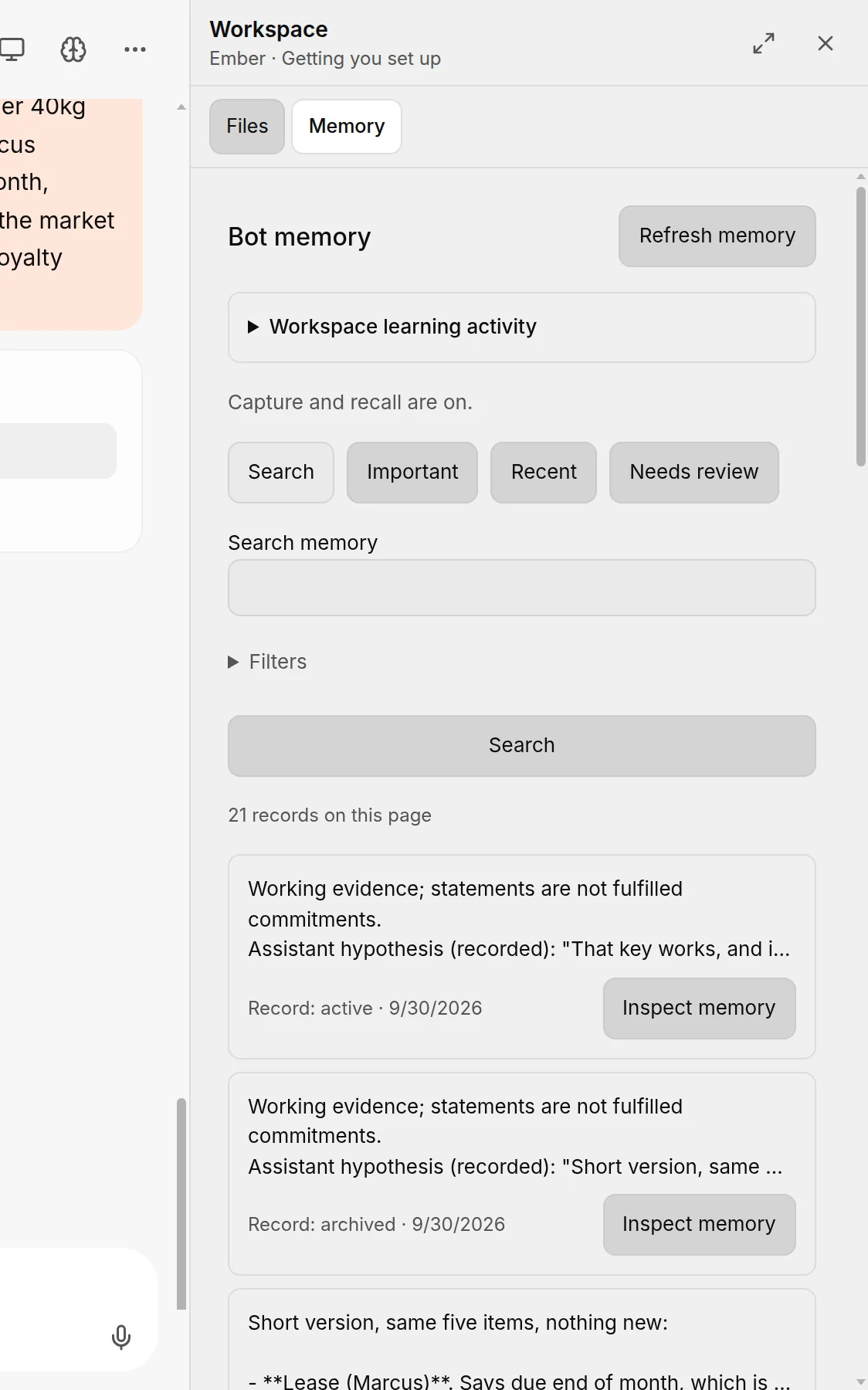
If memory is off, the Memory page offers Enable and import notebooks. It turns capture and recall on and imports the notebooks Murage finds for your bots. The original files are kept, and each notebook stays private to its bot. Recalled context is sent to the engine you choose for each turn, so turn memory on when you are happy with the engines your bots use.
How the five kinds of memory work, and the plain correct, pin and forget controls, are on Memory. The counters that show whether memory is being used are on Memory health and learning.