
Chief of Staff
Tell your Chief of Staff what you need. It builds the team.
You talk to your Chief of Staff. It builds the specialist bots, hands out the work, chases it and brings the results back to you.
See how it works: Chief of StaffFeatures
Hand off whole jobs: a Chief of Staff that builds and runs teams on the AI you already pay for, memory stored on your computer, and a stop line on the few outside actions that wait for your yes.
Free and open source. macOS, Windows and Ubuntu.

Your team
Your Chief of Staff builds the team, runs it on the AI you already pay for, and gives every bot its own face.
Chief of Staff
You talk to your Chief of Staff. It builds the specialist bots, hands out the work, chases it and brings the results back to you.
See how it works: Chief of Staff
Engines
Keep your Claude or ChatGPT plan and put it to work across a whole team. Murage sits above Claude Code, Codex, Hermes and a dozen more engines (an engine is the AI that does a bot’s thinking). Each bot runs on whatever suits its job, and you can switch without losing its memory or its work.
See how it works: Engines
Faces, voices and personalities
Your team feels like a team. Give each bot a portrait from one line of description, a voice for calls, and a personality that changes how it talks. Change any of it whenever you like.
See how it works: Faces, voices and personalitiesYour say
See the action before you approve it, open what your bots remember, and choose what they can touch.

Approvals and the stop line
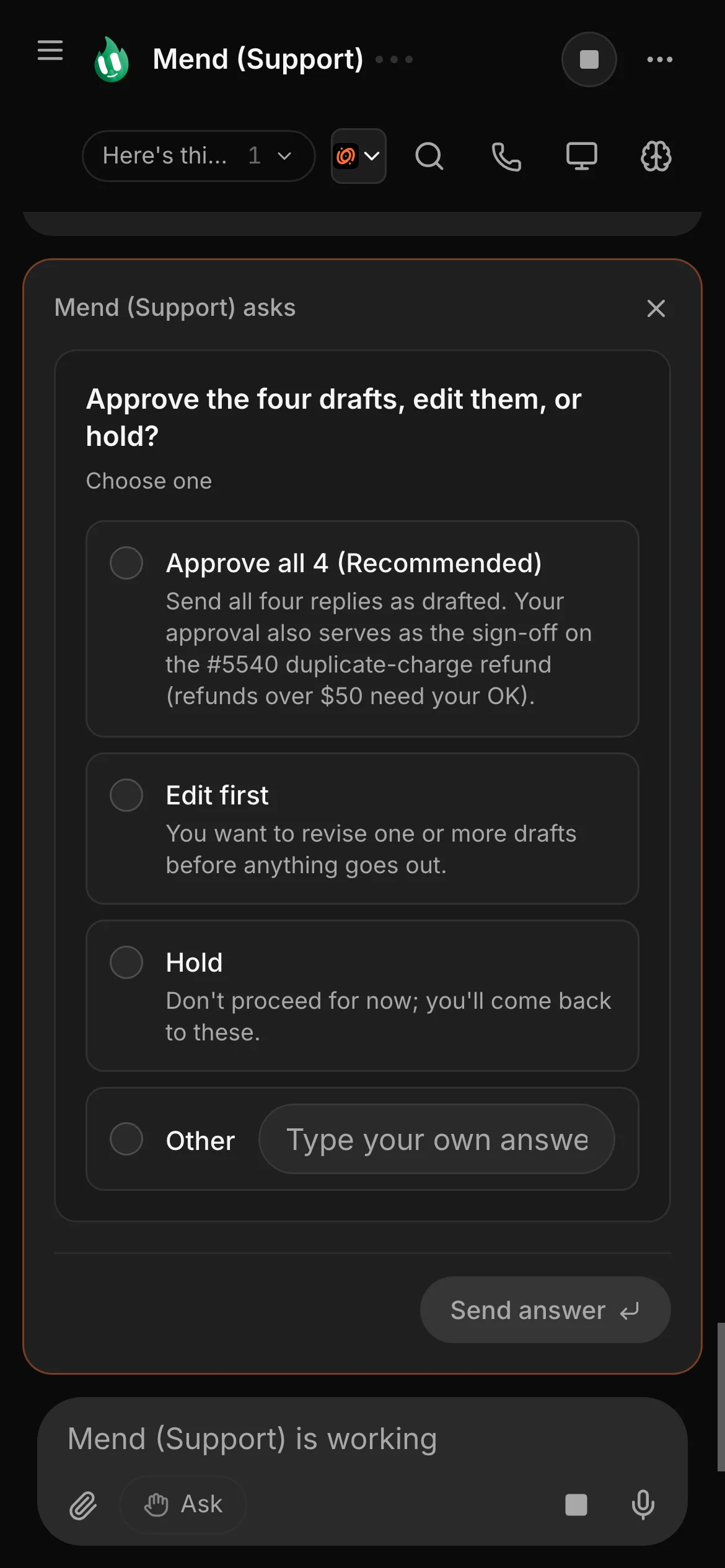
New bots start on Ask. On Full access, a bot stops before messaging anyone new, posting publicly, paying, or deleting outside its folder, unless you have allowed it for that task. On Hermes and other ACP engines, Ask and the stop line cover only what the engine asks Murage about: shell commands and file edits.
See how it works: Approvals and the stop lineMemory
Your bots keep their own notes and recall them in later work. Every memory is stored on your computer, and you can read it, fix it, pin it or make it forget.
See how it works: MemoryAnywhere
Call a bot out loud, or message your Chief of Staff from Telegram, Slack, Discord or your phone.

Voice calls
Call any bot and have a real conversation. It answers from its first sentence, looks things up while you talk, and hands the real work to its engine while it keeps talking to you.
See how it works: Voice calls
Phone, Telegram, Slack and Discord
Message your Chief of Staff by text or voice in Telegram, Slack or Discord and it replies there. Approve requests in Murage, in your phone’s browser or with a tap in Telegram. Your computer stays on and does the work.
See how it works: Phone, Telegram, Slack and DiscordSchedules, rules, apps and power tools. Every one has its own page.
Schedules, projects and teams that carry a job from brief to result.
Rules, checks and records, so you can see what a bot did and why.
Your apps, your voice and your other tools, connected to the same team.
Local models, extra accounts and other machines, for when you want more control over where the work runs.
Download the free app, connect the AI you already pay for, and tell Ember what needs doing.
No account needed · Runs on the AI plan you already pay for