































































































Flux Router
One key for 70+ AI models, live web search with sources, voice, and 1,600+ connected apps. Optional: your own subscriptions and keys work too.
Open source. macOS, Windows and Linux.
Murage has its own engine, Fuigo, and also runs Claude Code, Codex, Hermes and more as engines (the AI that does a bot’s thinking). Each bot can use a different one, so one team can mix Claude Code, Codex and a local model. To run teams and use tools, pick a tool-capable engine: Fuigo with a supported model, Claude Code, Codex or Hermes.
Built in · Murage’s own engine
Fuigo
The engine we built for Murage, with nothing extra to install. It works with any connection: Flux Router, your Claude or ChatGPT plan, a model key or a local model. Add one login or key and it runs your whole team, tools and approvals included. It speaks ACP, so it can sit above your other agents and drive them, or do the whole job itself.

Claude Code
The real Claude Code, signed in with your Claude plan on Anthropic’s own screen

Codex
The official Codex CLI, signed in with your ChatGPT plan

Hermes
Through its own ACP adapter. If you already run it, Murage finds it

Grok Build
xAI’s coding agent, if you use it

Cursor
Cursor’s agent, if you use it
Google Antigravity
Google’s agent, if you use it

Local models
Ollama, LM Studio, llama.cpp, vLLM or EXO. Model processing stays on your hardware; web search, connected apps and hosted voice still use outside services
OpenAI-compatible API (chat only)
Add an API key. Works for chat and drafting only: a plain OpenAI-compatible endpoint gets no tools and can’t lead a team

OpenClaw
Bring your OpenClaw agent in as a bot. It keeps OpenClaw’s own tools, and each OpenClaw agent joins as its own bot
Also Kimi, Qwen, Droid, OpenCode, Pi and custom ACP agents (ACP is a standard for running other agents). Your AI provider bills you as usual for what your bots use.
Connected apps come through Flux Router, which uses credits, or through your own connected-apps key. You sign in to each app once, choose which accounts, and can disconnect any time.
One key for 70+ AI models, live web search with sources, voice, and 1,600+ connected apps. Optional: your own subscriptions and keys work too.
MCP servers are plug-ins that give bots new tools. Add any one, including ones you build yourself. They are saved switched off; once on, they reach every bot whose engine supports them.
Any public API, any MCP, and it builds the connector itself if one doesn’t exist.
Most of the 79 ready-made teams work on what you tell them and paste in, plus web search.
Any public API, any MCP, and it builds the connector itself if one doesn’t exist.
Telegram
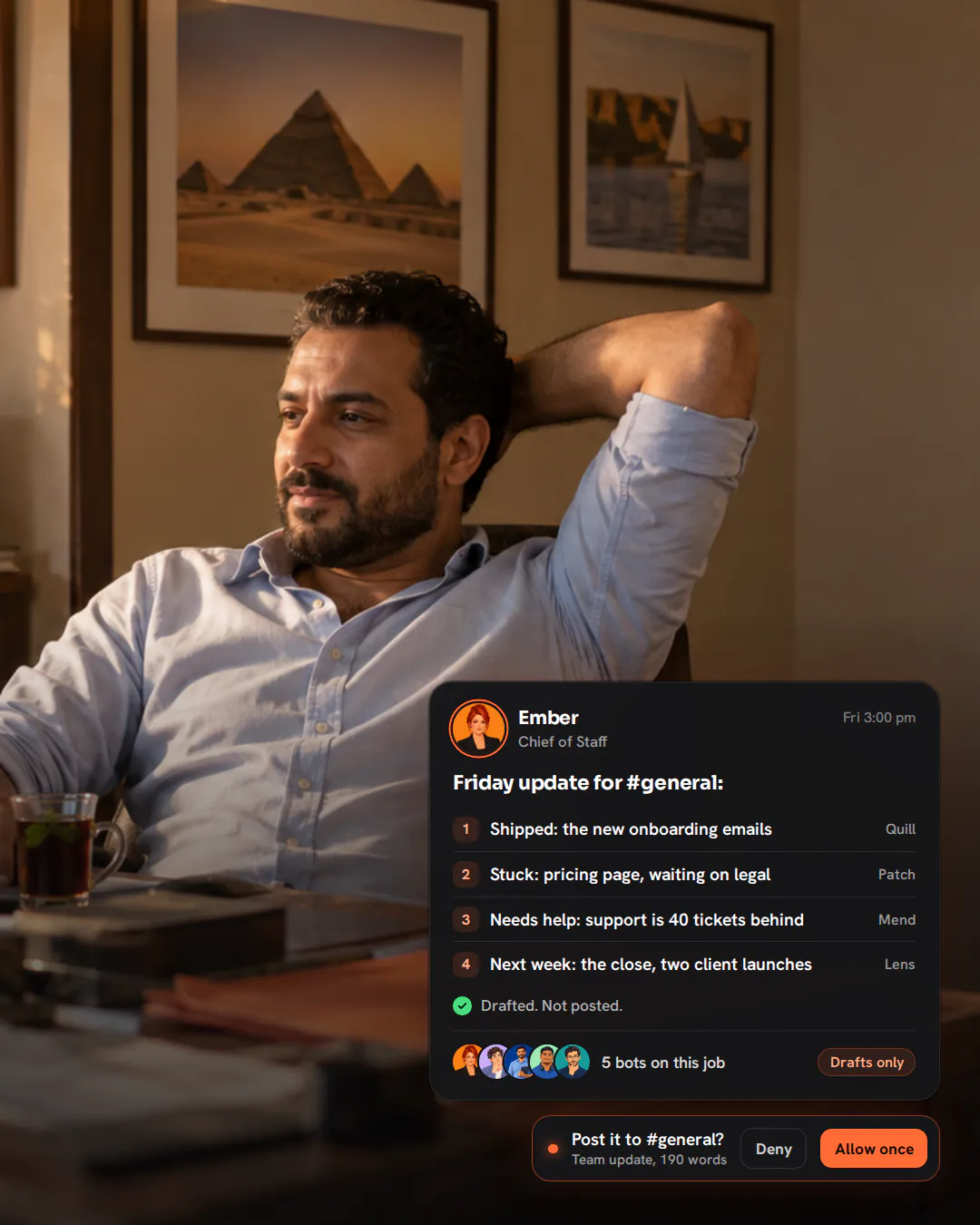
Message your Chief from Telegram and it replies there. Approvals come to you with a tap: Approve once or Allow for this task.
Message your Chief of Staff from WhatsApp, by text or voice message, and it replies there. Link a number by QR or code, approve the contacts who may chat, and turn on only the groups you choose. A spare number is the best way to use it.
Slack and Discord
Message your Chief of Staff there and it replies. Ask for a voice note and it sends one in its own voice. Approve requests in Murage, in your phone’s browser or on Telegram.
Your phone’s browser
Open Murage in your phone’s browser, on your Wi-Fi or anywhere over your own Tailscale network.
iPhone and Android app
The same workspace in an app on your phone, over your own Tailscale network. The Murage app is on the App Store for iPhone and on Google Play for Android.
Murage for Chrome
Our Chrome extension: share a tab with a bot and it works there, signed in as you.
Voice calls
Call any bot from the desktop app, with its own voice. Voice uses Flux Router credits or your own keys (OpenAI, xAI, Groq, OpenRouter or ElevenLabs). Mac and Windows also have built-in system voices. A Claude or ChatGPT subscription doesn’t cover voice.
No. Flux Router is Ferrox Labs’ optional credit-billed service for AI models, connected apps, voice, images and web search. Connected apps work with your own connected-apps key instead. Voice uses Flux Router credits or your own keys (OpenAI, xAI, Groq, OpenRouter or ElevenLabs). Mac and Windows also have built-in system voices. A Claude or ChatGPT subscription doesn’t cover voice. Everything else runs on just your AI engine.
No. Connections belong to your Murage. Teams you import never bring anyone else’s logins.
Claude Code, Codex, Hermes, Grok, Cursor, Ollama, Gmail, Outlook, Slack, Salesforce, Shopify, Stripe and the other product names and logos on this page are trademarks of their respective owners. Murage is not affiliated with or endorsed by them; the names and logos are used only to identify the apps and engines Murage works with.
Download the app, connect the AI you already pay for, and tell your Chief of Staff what needs doing. Plan on about ten minutes from install to a working team.
No account needed · Runs on the AI plan you already pay for
Search the docs, videos, blog, apps, teams, skills and release notes.