OpenClaw
Run bots on OpenClaw's own agent, with its own tools and its own model, and what that means for approvals, connected apps and remote gateways.
OpenClaw brings its own tools, and Murage does not hand it Murage's tools. Read the limits before you give an OpenClaw bot work that needs connected apps, your phone or your own MCP servers.
When to use it
- You already run OpenClaw, with the model and tools you want set up in it, and want a bot in Murage on top.
- The bot's work is the kind OpenClaw's own tools cover: files, commands and code in a folder.
Install and set up
Step 1
Find the engine
Open SettingsEngines and find OpenClaw.
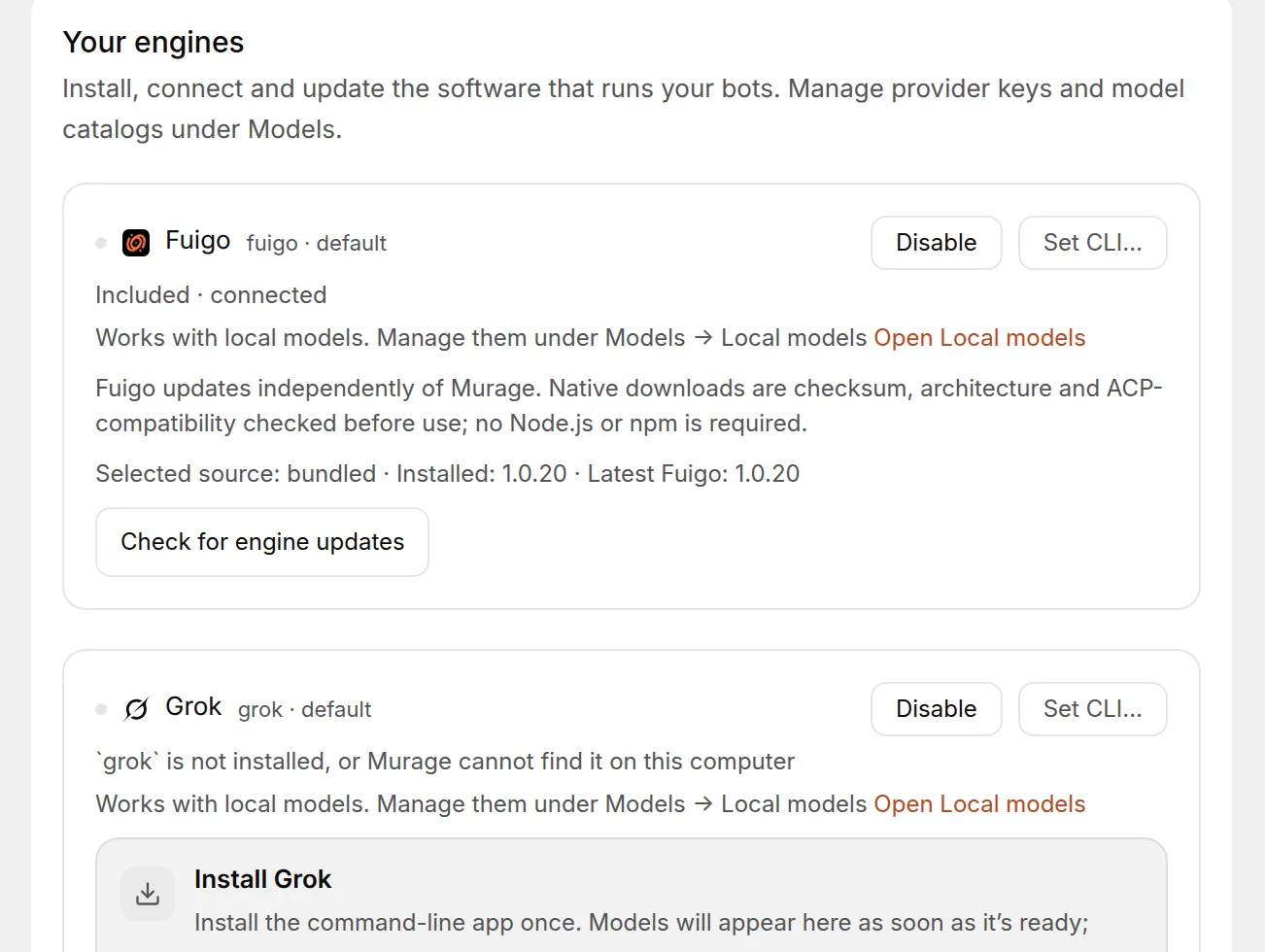
You're done when: you can see the OpenClaw row and its status line.
Step 2
Install it
If the row says OpenClaw CLI is not installed, choose Open install in Terminal. On Mac, Windows and Linux the command is the same:
npm install -g openclaw@latest
You're done when: the install command has finished without errors.
Step 3
Set up the agent
Run openclaw onboard in a terminal and follow OpenClaw's setup. This is where you pick the model and sign in to whatever OpenClaw uses. Murage never asks for an OpenClaw sign-in itself.
You're done when: OpenClaw's own setup has finished.
Step 4
Check again
Back in Murage, choose Check again.
You're done when: the status reads Detected.
The model
OpenClaw runs whatever model its own agent is set up for. Murage shows one entry in Bot settingsModel, OpenClaw agent default, and sends no model name of its own. To change the model, change it in OpenClaw.
Approvals: Ask runs read-only
OpenClaw's file tools have no way to pause and ask before a change. So at the Ask level, Murage runs the turn read-only: the bot can read files and plan, and every change or command is refused before it runs. The bot tells you with one line.
You see
At Ask, I can read and plan. Choose Auto to let me make changes.Do this
Switch the bot to Auto in the message box or under Bot settingsPermissions. At Auto the bot acts without a card for each step, so give it work you are comfortable with it doing on its own.
You see
At Ask, this OpenClaw version cannot stop before changes. Choose Auto to let me act, or install OpenClaw 2026.8.1 or newer.Do this
Older OpenClaw builds cannot be set read-only, so Murage refuses the Ask turn rather than let a change through. Update OpenClaw with the install command above, then Check again, or switch the bot to Auto.
Cursor and Antigravity work the same way at Ask. See Permissions and the stop line.
Known limits
- Its own tools only. Connected apps, your phone tools and your own MCP servers do not reach an OpenClaw bot. It cannot hand work to other bots either. When you switch a bot onto OpenClaw, Murage shows a note listing what changes, such as "connected apps aren't used".
- No remote gateway. Murage runs OpenClaw on this computer through its local bridge. Pointing Murage at an OpenClaw gateway on another server is not built. Run OpenClaw on the same computer as Murage, or run Murage on the server where OpenClaw lives.
- One model entry. Change the model in OpenClaw, not in Murage.
- Ask is read-only. Changes need Auto or Full access.
For the full set of Murage tools, put the bot on Fuigo, Claude Code, Codex or another engine from the engines table.
Troubleshooting
You see
OpenClaw CLI is not installedDo this
Install OpenClaw, run openclaw onboard, then choose Check again. If it is installed but not found, choose Set CLI… and pick the openclaw program yourself.
You see
My OpenClaw bot can't use Gmail, Slack or my MCP serverDo this
Expected. OpenClaw runs on its own tools. Open Bot settingsModel and pick an engine that uses Murage's tools.