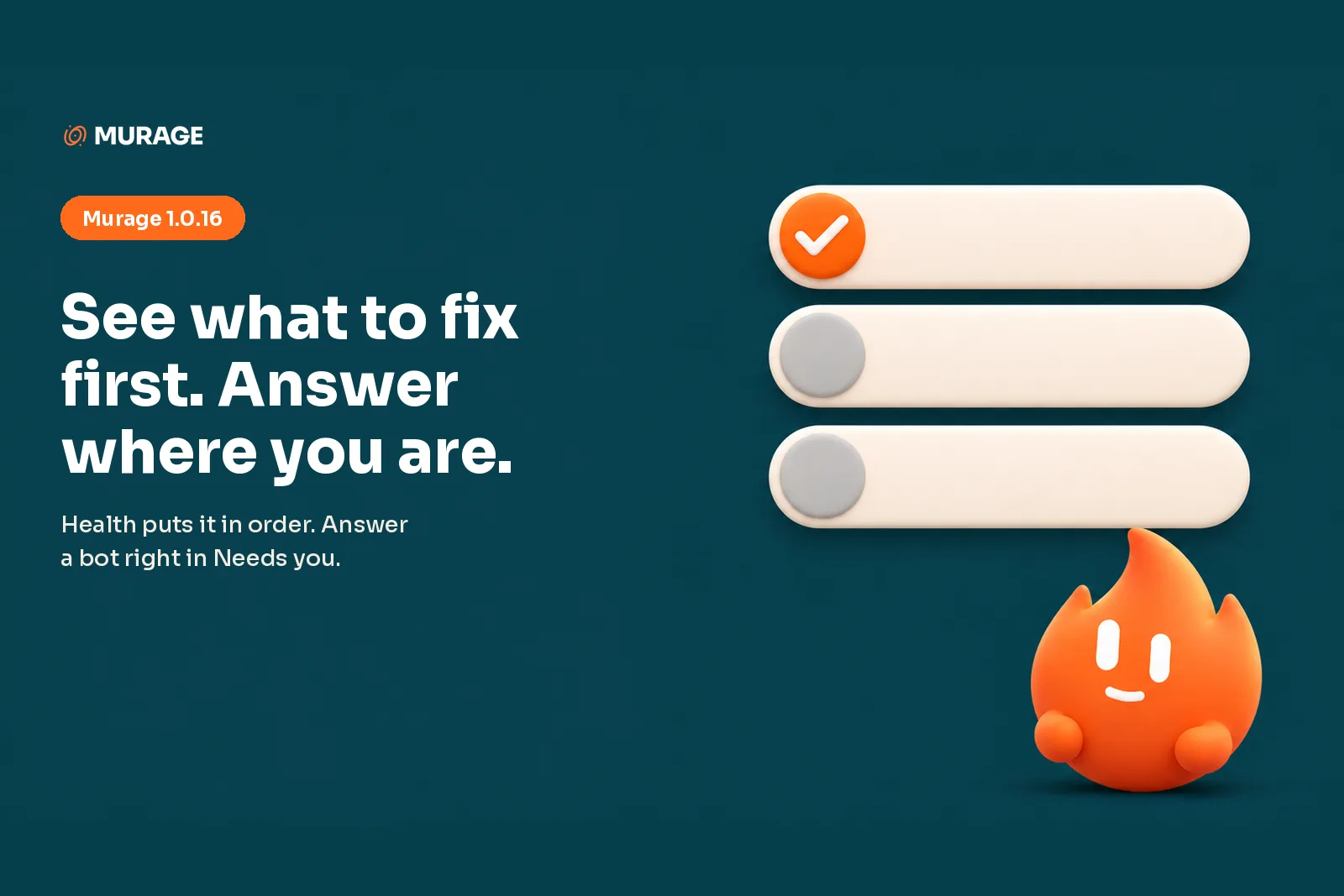
Murage 1.0.16 is out for Mac, Windows and Linux, led by a Health page that tells you what to fix first and a Needs you list you can answer in place. Open Health, press the button on the top row, check again, and go back to what you were doing.
Health shows what to fix first
Health lists what needs your attention in order, Fuigo and Flux first, with one button to fix each and a way to check again once you have pressed it. We put the list in order so you do not have to read all of it to know where to start. The row at the top is the one to do first. Do that one, check again, and the next row is waiting for you, or nothing is, which is the better outcome.
Answer right where you are
Rows in Needs you open in place, so you answer a bot without leaving the list. Say three bots are waiting on you: you go down the list and answer each one where it sits, and the list is still there when you are done with the first.
Every bot replies the same way now. The answer first, then one question at a time, in plain words and in your language. You answer one, the bot asks the next. Nothing to keep in your head while you type.
A team lead bot can now set up a new section for a client.
Engines
Bundled Fuigo moves to 1.0.39. Pi tells you when a session is slow to start, so you are not sat looking at an empty reply wondering whether anything is happening. When Codex turns down a call, Murage names the call, so you know which one it was. An engine running under WSL on Windows gets a short note on how it works there. Hermes sends each reply once.
Phone and voice
Entering the pairing code on your phone is quicker. In a call, the transcript matches the words that were spoken.
Better
Sign-in headers are masked in diagnostics files, and feedback is cleaned before it is sent. If the helper app does not start, Murage tries again on its own. Avatar eyes and animation keep moving when Murage is not the window in front. A New conversation you queue opens as you asked.
Plus stability fixes.
How to update
Murage shows an update banner when 1.0.16 is ready, or choose Check for updates in Settings, or get the build from the download page. The full list of changes is on the changelog and the docs cover the rest. Then open Health and press the button on the top row.