A skill is a written procedure a bot can follow. "How to write a weekly report the way we like it." "How to review a contract for renewal traps." "How to turn a customer call into a case study." Give a bot the right skill and it does the job the same way every time, instead of improvising.
Murage ships with a library of 2,237 of them, and a way to add your own. Because a skill is instructions a bot will follow, it is also a real risk if it is written badly or written to cause harm. So every skill goes through Skill Guard before a bot can use it.
What a skill is, and is not
A skill is text: instructions, steps, checklists, examples. It tells a bot how to approach a kind of work. It does not give the bot new powers. A skill for "post the weekly update to Slack" does nothing unless the bot also has a Slack connection and your permission to post.
That distinction matters for risk, and for expectations. Skills make bots better at a job. Connected apps and permissions decide what they can touch.
The library
The library is in Settings, Skills. You can:
- search it, or browse by topic
- read any skill in full before you use it
- add it to a bot, from the library or from inside a bot's own window
- edit or duplicate it in the rich editor, to make your own version
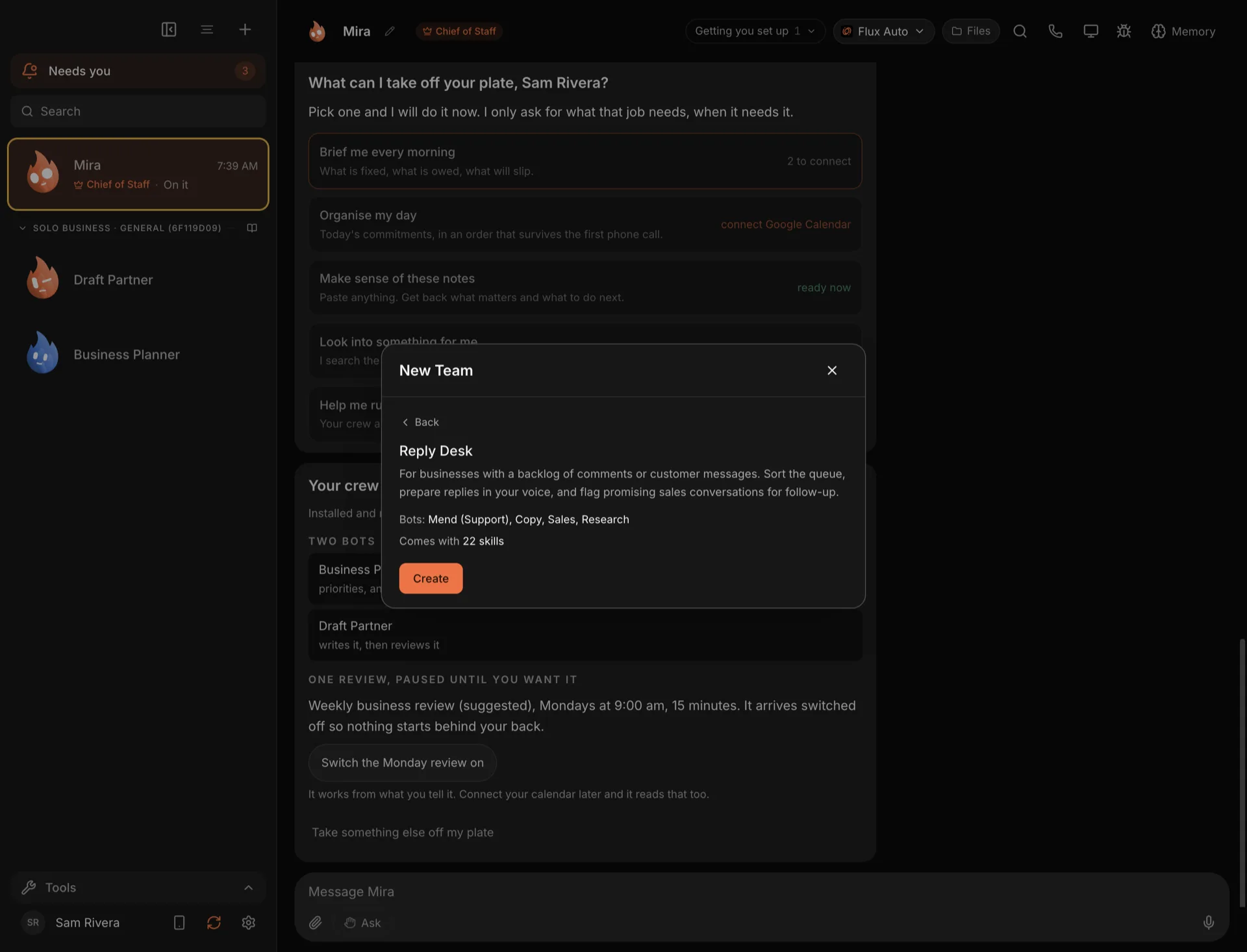
The teams in the team library come with skills already attached, which is part of why a ready-made team works well from the first day. You can browse the whole collection on the skills page.
Bringing your own
You can import skills from:
- a single file, such as a SKILL.md
- a folder
- a zip
- a GitHub link
And you can make them from your own work. /learn is an experimental feature, so switch it on first in Settings → Experimental → Teach a skill. Then, when a bot does a job well, type /learn followed by a description, a link, a folder, or simply "what we just did". The bot writes the steps down as a skill. It arrives switched off, and it only works once you read it and press Enable. How good it is depends on the engine that wrote it, so read it before you switch it on.
Skill Guard
Skill Guard scans every skill before a bot can use it, and again whenever it changes. Specifically, a skill is scanned:
- when it is imported
- when it is installed
- every time it is switched on
- every time it is edited
- at startup
Each scan ends in one of three verdicts.
Clean. The skill shows a shield, or "Built-in" for skills from the library, and you can switch it on.
Needs a look. Something in it matched a risky pattern. You see the reason, and the skill only switches on after you choose "Use it anyway". Often the reason is harmless in context. Sometimes it is not, which is why it asks.
Blocked. The skill cannot be switched on. If it was already on, it is switched off.
Skill Guard looks for risky instructions and code patterns, and for tricks that hide instructions from a human reader, such as invisible characters and padding. Its pattern tables are converted from NVIDIA's SkillSpector project, with credit.
How the library scored
The library ships with its Skill Guard results. Of the 2,237 skills:
- 2,194 scanned clean
- 43 need a look
- 0 are blocked
A "needs a look" verdict is not a judgment that a skill is harmful. It means a pattern matched, and a scanner cannot know your context, so you read the reason and decide.
What Skill Guard cannot do
It is a pattern scanner. It is good at catching known bad patterns and hidden text, and it runs every time something changes. But it is honest to say where it stops:
- It cannot prove a skill is harmless. A new kind of trick it does not know about can get through.
- Scripts inside skills are not deeply analyzed yet. It checks their text for patterns, not what they would do when run.
- It does not replace your judgment. For a skill from a source you do not know, read it before you enable it.
That is why Skill Guard sits alongside the other protections rather than replacing them. A skill runs inside a bot that still has the permission level you set, still asks before the actions on the stop line, and still reads your House Rules first.
Sharing skills and teams without your keys
When you export a team to share it, its skills go with it and your credentials do not. When someone imports a team, it arrives with skills and routines switched off and no access granted. The import scan checks known patterns, and says plainly that it cannot guarantee a package is harmless or free of secrets. So the person importing gets to look before anything runs.
Try it
Open Settings, Skills after you download Murage, pick a topic you work in, and read a few skills. Add one to a bot and see how its work changes. Then switch on Settings → Experimental → Teach a skill, and after the next job that goes well, type /learn.
The Skill Guard and /learn and skills feature pages have the details.